
Start quickly
Use Quick Start templates or Guided Setup to create the first categories and articles.
HelpCraft keeps the workflow structured so merchants can create, review and publish confidently.
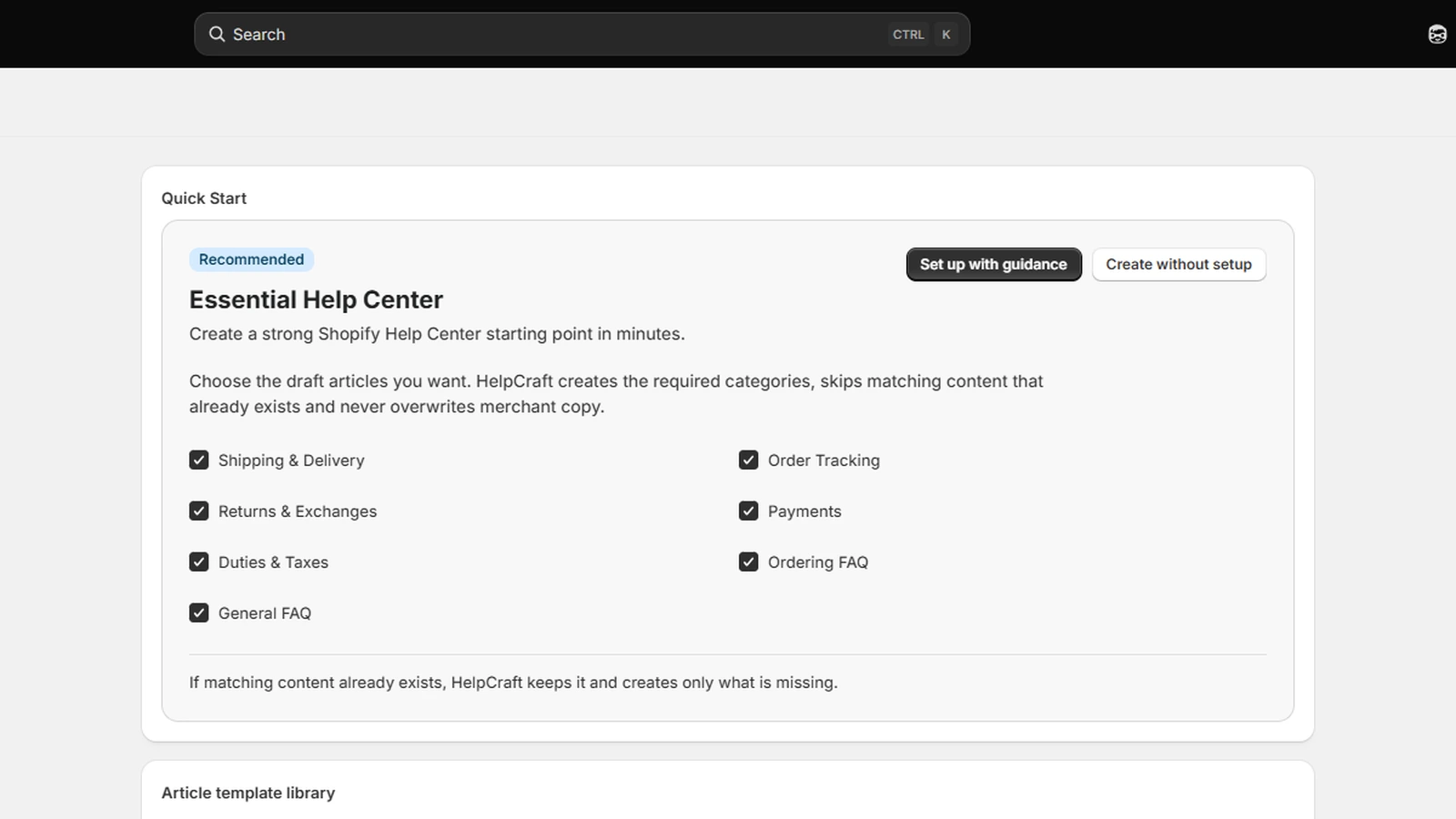
Start quickly, refine the content and publish only what is ready.
Use Quick Start templates or Guided Setup to create the first categories and articles.
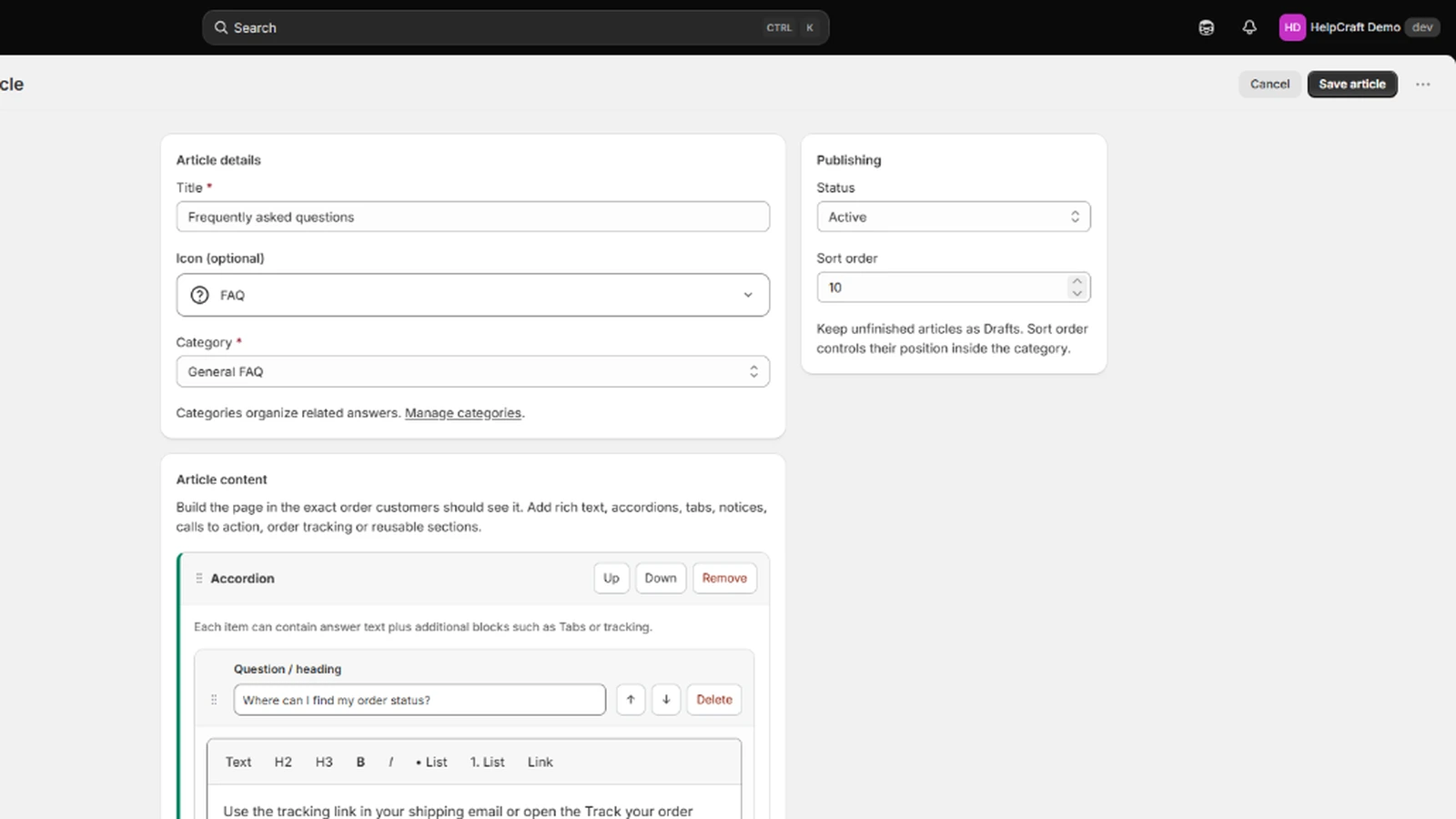
Edit articles in the Composer, reuse shared sections and preview the customer-facing layout.
Activate ready content and show it on the storefront and, on Pro, in Customer Accounts.
Merchants can see what they are editing, how it will render and where it will be published.
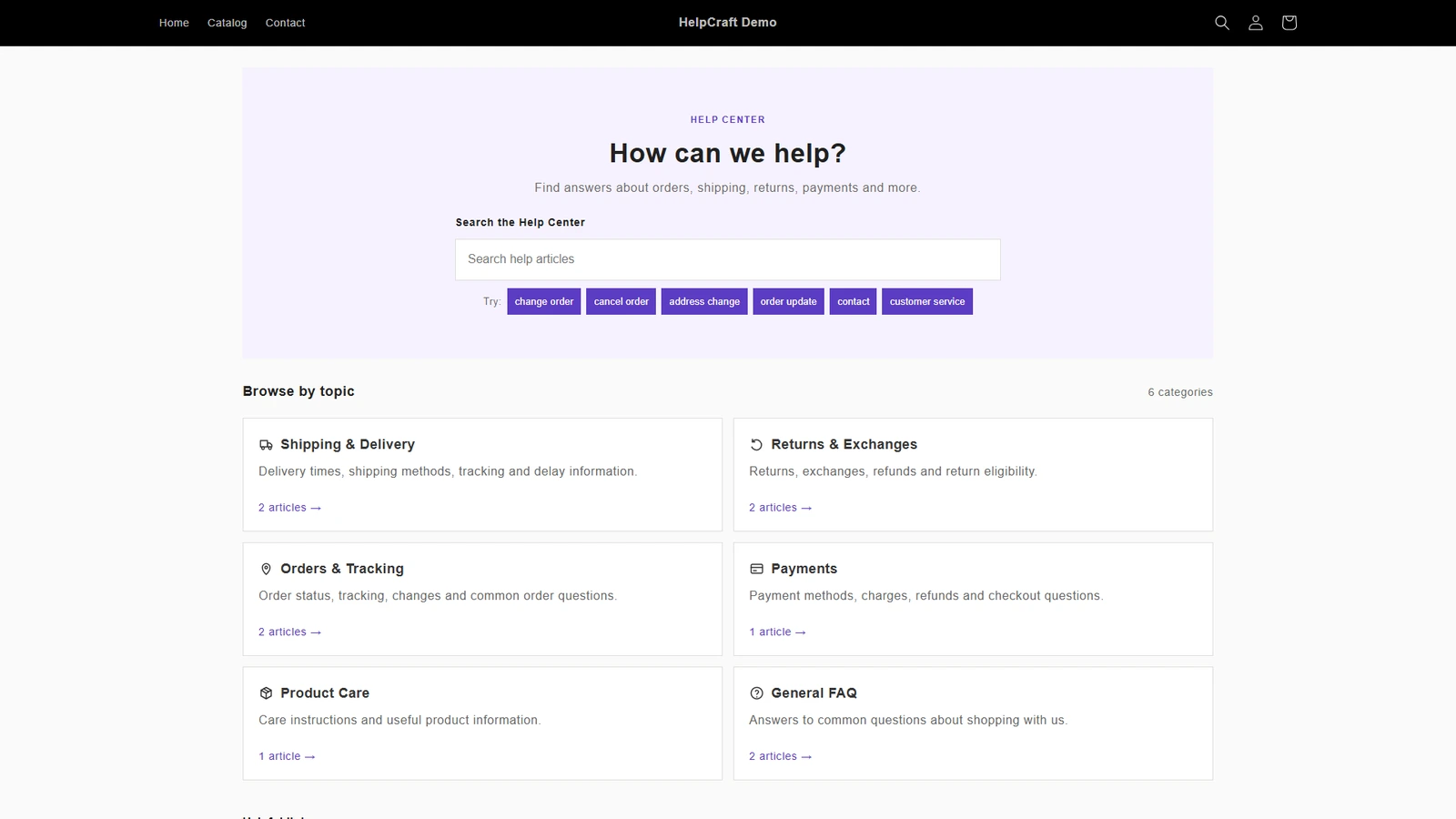
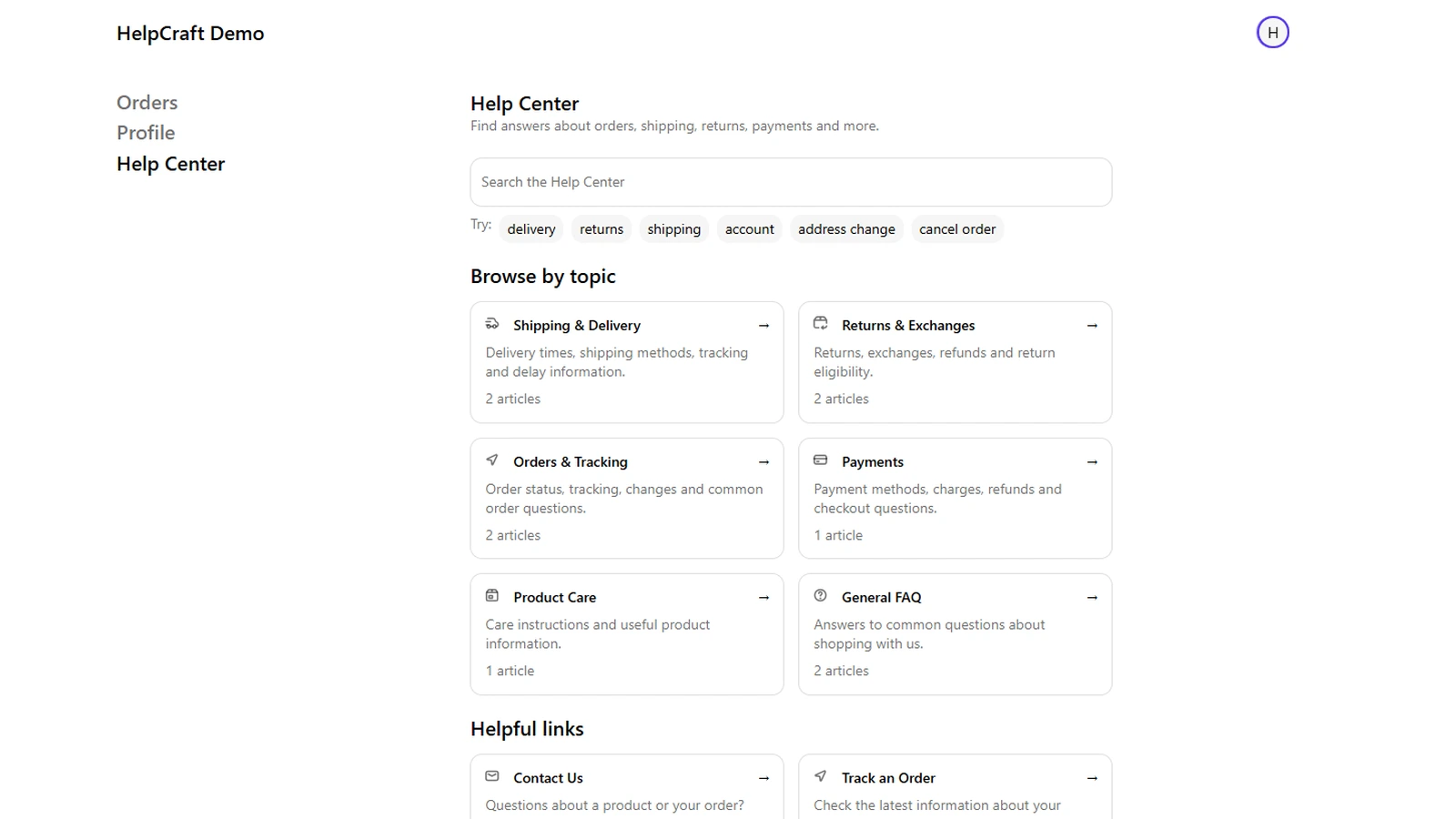
Open the demo store in a new tab and try the published Help Center experience.
helpcraft
Once content is published, the customer-facing Help Center is rendered through Shopify surfaces using Shopify-hosted content, while HelpCraft remains the control plane for authoring and changes.
 Install on Shopify