
Structured Article Composer
Build articles with notices, rich content, accordions, tabs, links, images, tracking and calls to action.
Create structured FAQ, shipping, returns and policy content in Shopify Admin, publish it to your storefront and Customer Accounts, and keep translations and reusable sections organized in one place.
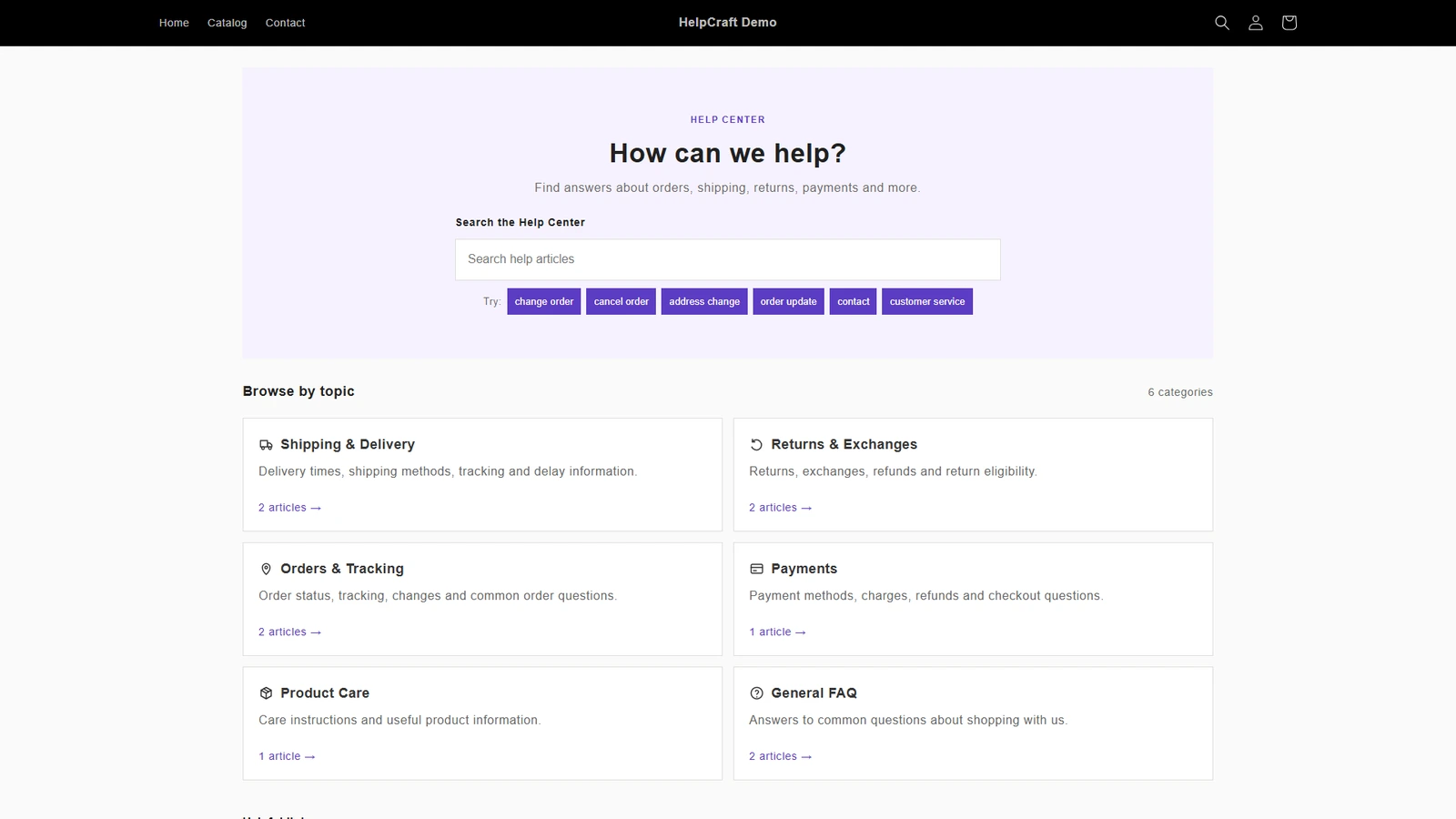
From authoring to customer-facing delivery, the same content graph powers every surface.
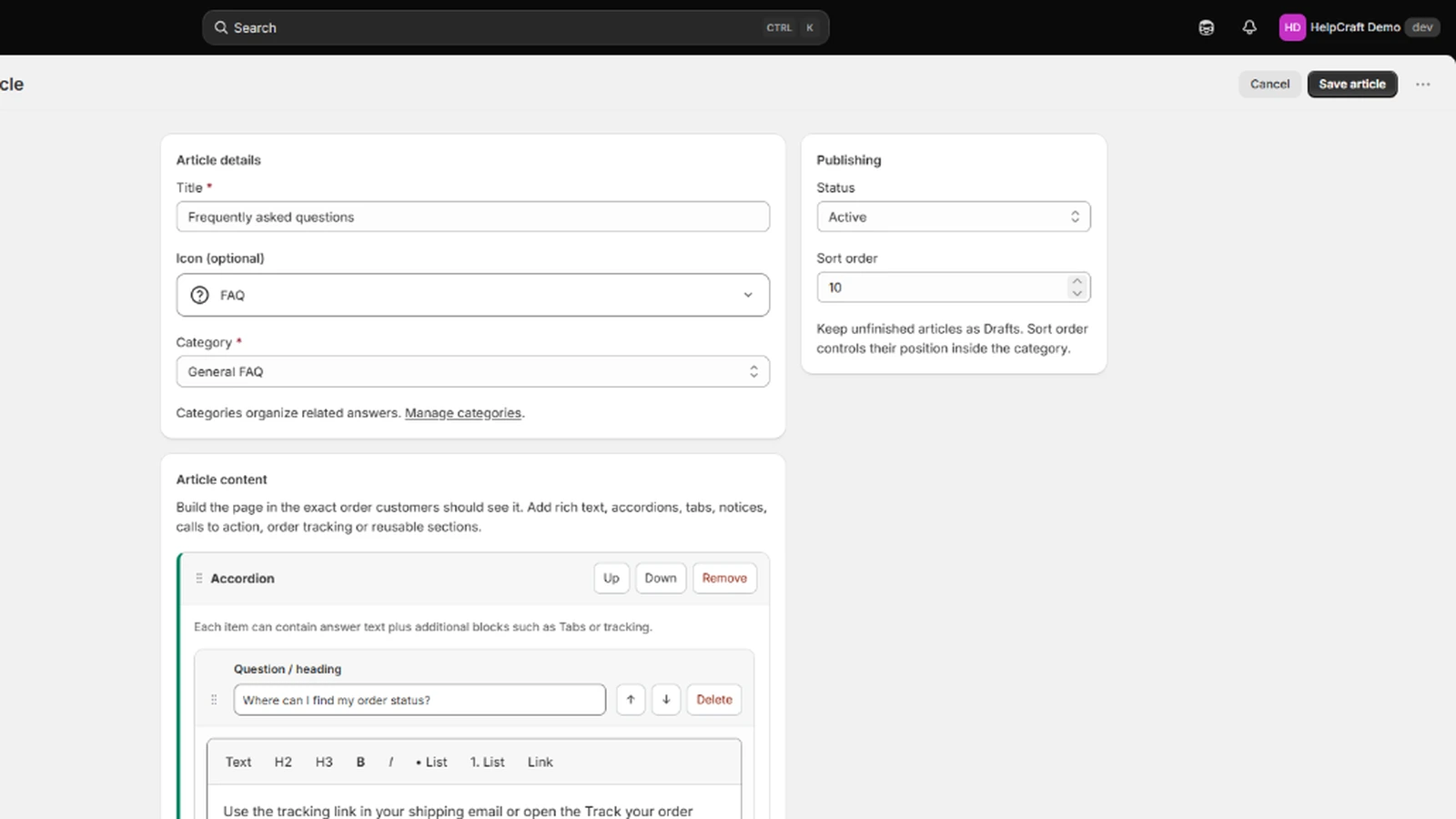
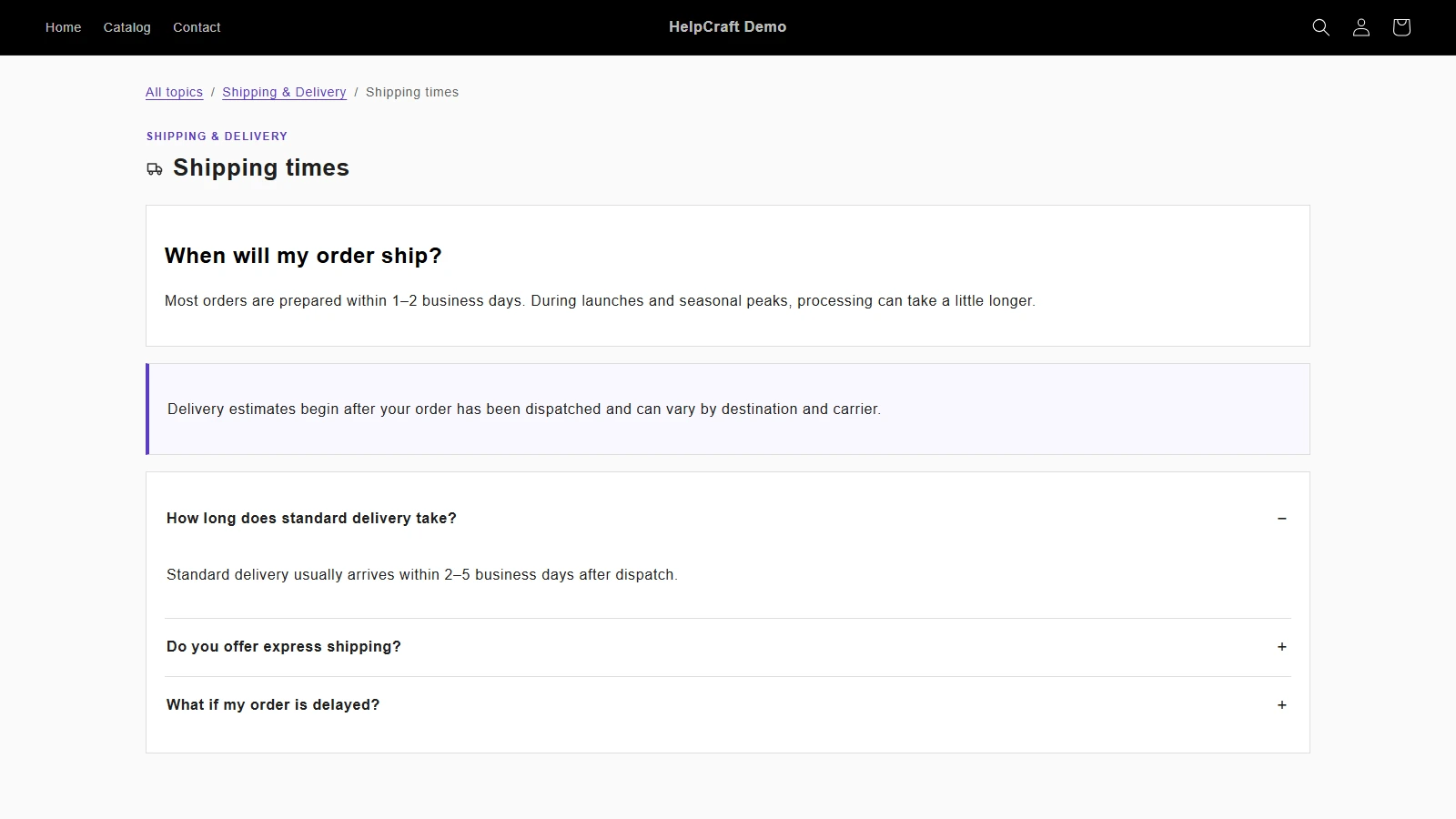
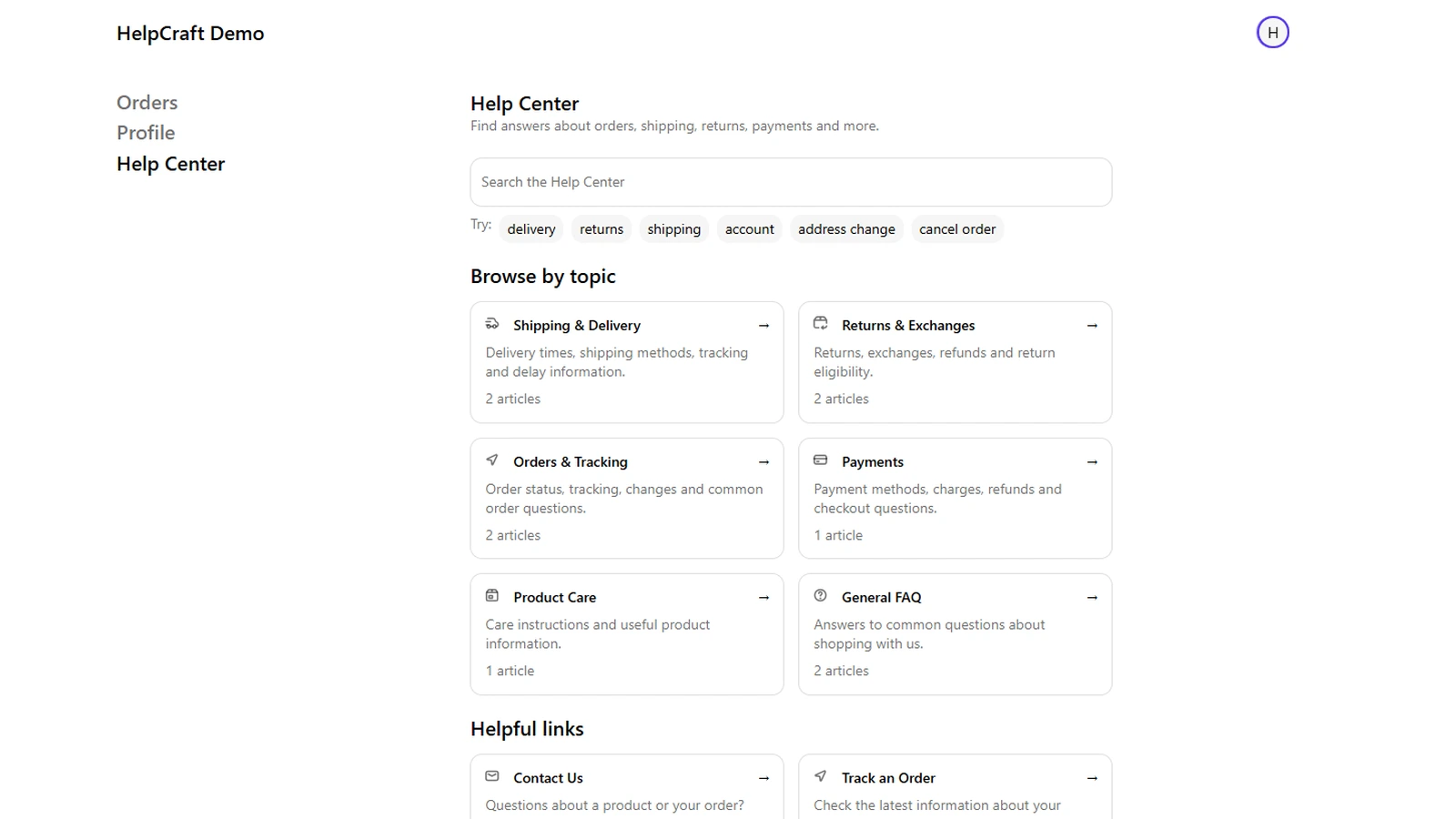
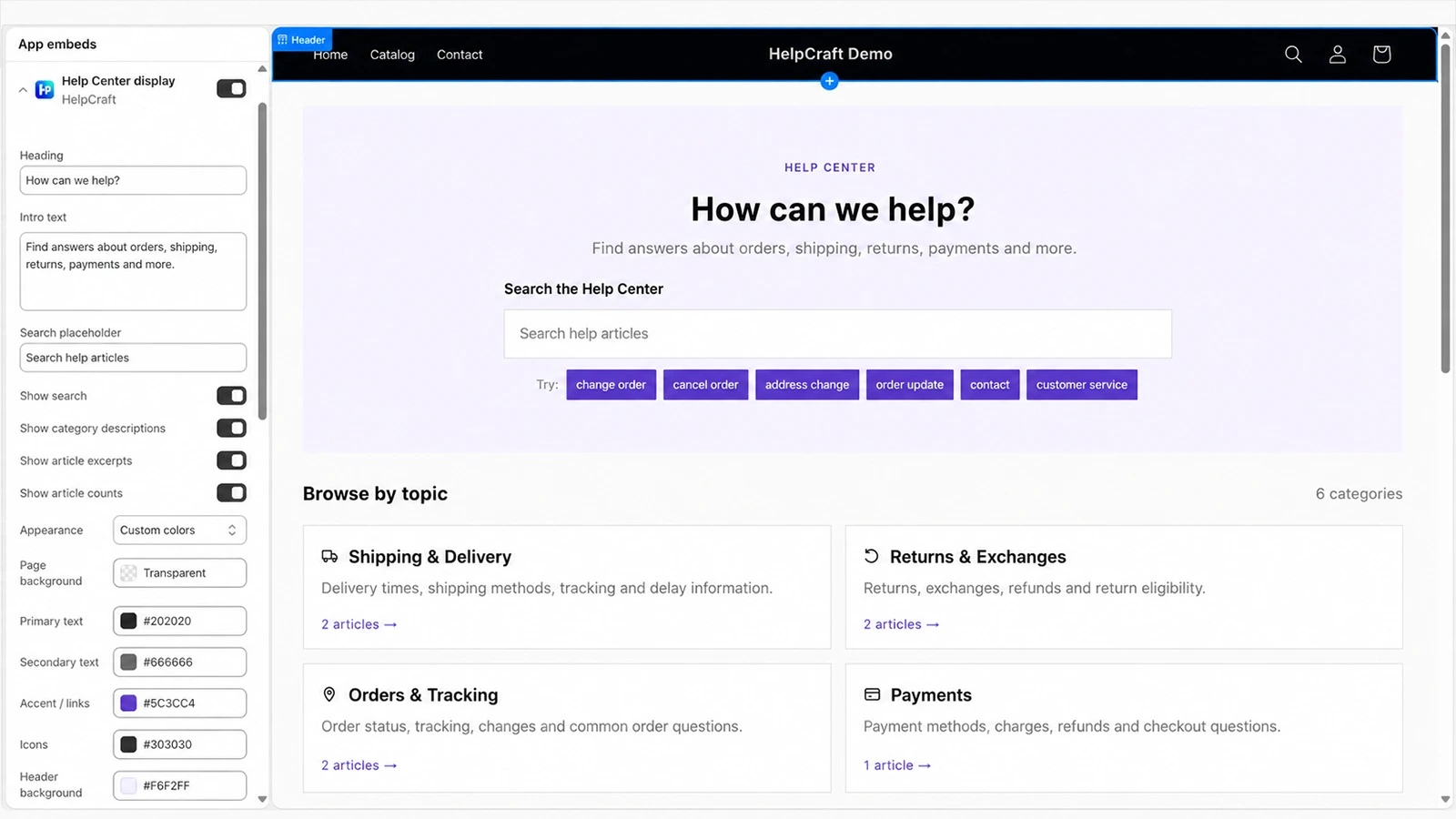
Open the demo store in a new tab and try the published Help Center experience.
helpcraft
HelpCraft keeps the authoring flow structured while letting merchants move quickly.
Build articles with notices, rich content, accordions, tabs, links, images, tracking and calls to action.
Update shared guidance once and reuse the same section across multiple articles without copy-paste maintenance.
Manage extra store languages through Shopify translations and see when source content has changed.
Publish the same Active content graph to a storefront page and, on Pro, to Customer Accounts.
HelpCraft keeps each step visible so merchants know what is ready, what is draft and what is live.
Use Quick Start, Guided Setup or the Article Composer to build structured draft content.
Review the content graph, test desktop and mobile layouts and manage supported store languages.
Activate ready dependencies and expose only Active content to customer-facing Shopify surfaces.
HelpCraft keeps merchant help content authoritative in app-owned Shopify metaobjects. The storefront and Customer Accounts read the same Active graph.
HelpCraft is built for structured self-service content, not live chat, ticketing or an agent inbox.
Merchant content is stored in Shopify app-owned metaobjects and customer-facing rendering is delivered through Shopify extensions. HelpCraft remains the authoring and control plane.
 Install on Shopify